

Here is my ‘Blackmagic Pocket 4K & 6K ’ LUTS
This is my 2nd pack
This pack contains a REC709 Look, my stylised Grey profiles ‘Golden Grey’ etc and my ‘Day4Night’ LUTS
TIPS:
Don’t forget to simply adjust ‘Saturation’, ‘Exposure’ or ‘Curves’ to your liking when LUT is applied
:To flick through the 'LUTS' in the Creative Control Panel in Adobe Premiere Pro - Go To 'Applications', 'Adobe Premiere Pro CC', Right click 'Show Package Contents', 'Contents', 'Lumetri', 'LUTs', 'Creative'
and then drag in the whole 'DaVinci Resolve' folder containing the LUTS

A very specific set of LUTS you might enjoy …it also goes really well with my ‘35mm Grain’
There are no REC709 style LUTS in this pack, they are stylised
For the LUTS to look nice the image requires…. well a Venice Beach kinda backdrop haha
Or ETTR or dead on exposure works best, if you do underexpose then you will need to boost the mid range of your curves
:To flick through the 'LUTS' in the Creative Control Panel in Adobe Premiere Pro - Go To 'Applications', 'Adobe Premiere Pro CC', Right click 'Show Package Contents', 'Contents', 'Lumetri', 'LUTs', 'Creative'
and then drag in the whole 'DaVinci Resolve' folder containing the LUTS
Enjoy
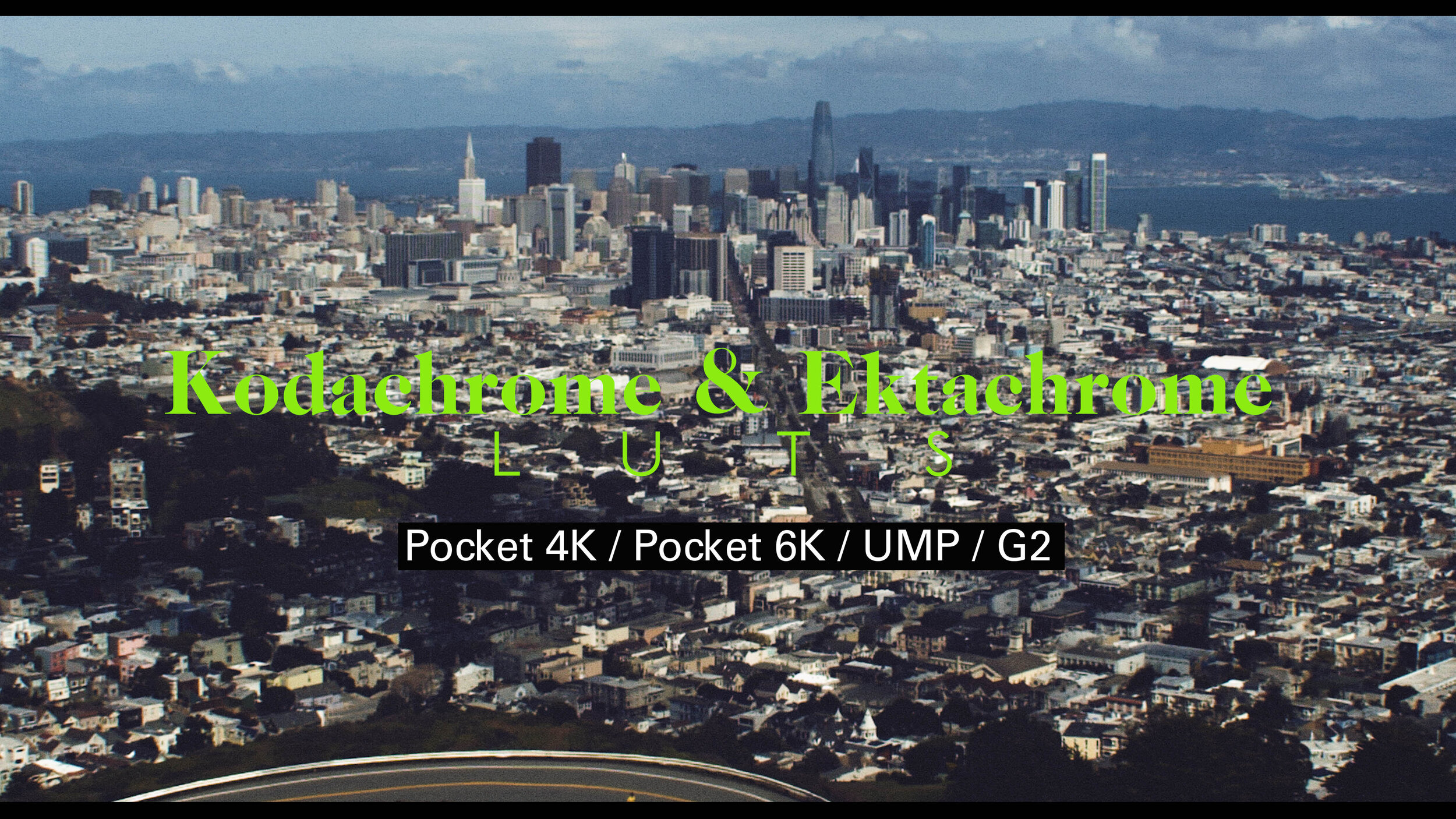
This pack contains a good variety of LUTS based off the classic looks of Kodachrome & Ektachrome film
I also did a few ‘Bleach Bypass’ styles with them too
LUTS can also be used in camera (just use LUTS from Davinci Resolve Folder) to load in-camera or monitors
Works in Adobe Premiere Pro, FCPX & Davinci Resolve
(no Base 709 LUTS in the pack)
:To flick through the 'LUTS' in the Creative Control Panel in Adobe Premiere Pro - Go To 'Applications', 'Adobe Premiere Pro CC', Right click 'Show Package Contents', 'Contents', 'Lumetri', 'LUTs', 'Creative'
and then drag in the whole 'DaVinci Resolve' folder containing the LUTS
I love this pack, have fun!

NEW Blackmagic Pocket 4K & 6K ‘Film LUTS’ for the Blackmagic 4K & 6k Pocket Cinema Camera
These ‘Film LUTS’ are a stylised set to showcase more of a moody look based around warm tones to deliver a ‘Fashion’ style look or a moody ‘Film Piece’
(Please note: There are NO Base/Rec709 style LUTS in this pack)
I have also included 4 FREE products:
2 Matte Overlays to give you a stylised look for film crops
2 Overlays for some film burns
(To Use the Matte Overlays, place the file above your footage and set the opacity mode to ‘Multiply’)
(To Use the ‘Film Burns’ overlays, place the file above your footage and set the opacity mode to ‘Screen’)
I wanted to give you free ‘Grain’ overlays but they only look good as ‘Prores’ files so I couldn’t upload in this file due to file size
Please download any of my ‘Dirty Grain’ files on my site
Thanks to ‘John Brawley’, ‘Mark Wyatt’, ‘Andreas Neumann’, for the footage

In these Ursa Mini 4.6K Luts, you will have some base LUTS to give you a final look or a great starting point.
Also featured in the pack is some stylised film style looks, along with my 'Peach Fade', 'Cream' and 'BW Fade' that have been featured in my other LUTS that I have released for, GH4, SONY, RED etc.
Files also included are 'how to install' and best exposure results when using these LUTS.

This pack is dedicated to the ‘Bleach Bypass’ look
I made some custom adjustments of how I like the look
I also threw in a ‘Joker Style’ LUT which I recently used on my trip to New York
There are no Base LUTS in this pack
To Store the LUTS ‘in-camera’ please use the LUTS from the ‘in-camera’ folder
To store the LUTS in Monitors, please use the LUTS from the ‘Resolve’ folder
LUTS work with: GH4, GH5, S1, S1H, S1R, GH5S
Enjoy

This pack contains a good variety of LUTS based off the classic looks of Kodachrome & Ektachrome film
www.danieljohnpeters.com
I also did a few ‘Bleach Bypass’ styles with them too
LUTS can also be used in camera (just use LUTS from In-Camera VLOG Folder) to load in-camera
Works in Adobe Premiere Pro, FCPX & Davinci Resolve
(no Base 709 LUTS in the pack)
:To flick through the 'LUTS' in the Creative Control Panel in Adobe Premiere Pro - Go To 'Applications', 'Adobe Premiere Pro CC', Right click 'Show Package Contents', 'Contents', 'Lumetri', 'LUTs', 'Creative'
and then drag in the whole 'DaVinci Resolve' folder containing the LUTS
I love this pack, have fun!
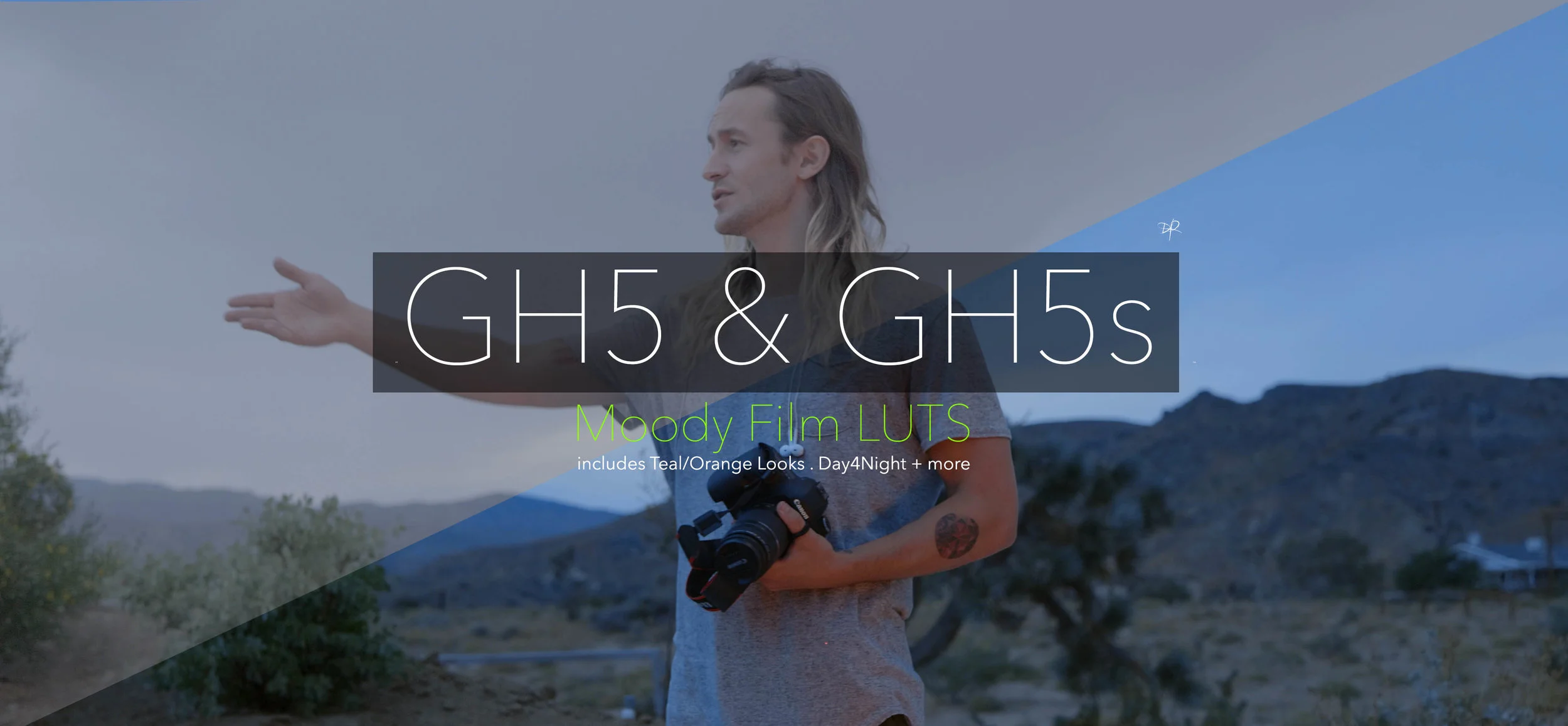
These new GH5/GH5s LUTS are made with more stylised looks, my style on the 'Orange/Teal' Look along with 'Day4Night' style LUTS along with more moody dark tones like Green & Brown
NOTE: Don't forget to adjust your curves/saturation for more vibrant or less vibrant looks
There are NO Base LUTS in this pack
LUTS also work with the GH4, Varicam + EVA1 as long as you shot in VLOG
...
Work with:
Adobe Premiere Pro CC
Davinci Resolve
FCPX
...
LUTS also work in Monitors that can store LUTS and I have also featured a handful of them to work in the GH5/GH5s to preview the LUT in-camera while you shoot
To flick through the 'LUTS' in the Creative Control Panel in Adobe Premiere Pro - Go To 'Applications', 'Adobe Premiere Pro CC', Right click 'Show Package Contents', 'Contents', 'Lumetri', 'LUTs', 'Creative'
and then drag in the whole 'DaVinci Resolve' folder containing the LUTS

Since the GH5s is many focused as a great Micro Four Thirds Lowlight Camera, these LUTS are just focused on creating looks for filming in the Dark
Sign up to Artist here and get 2 extra months Subscription FREE:

Here are some fun LUTS I’ve been messing with while filming
I like them a lot so I thought I’d share them with you
(NOTE - NO Base LUTS in this pack)
I like to expose these LUTS a stop over, sometimes 2
When loading any LUTS in any Monitors to view while filming with Sony cameras, just make sure you load the LUTS from my ‘Davinci Resolve’ folder
(NOTE2 - These style of LUTS love light & contrasty scenes, wont work well in every situation)

Here are my S-LOG 2LUTS for all the Sony Cameras that have Slog2
Base profiles along with some custom looks
The pack has a custom SLOG2 profile and custom setting to allow you to shoot slow motion on the A7S II, while keeping your ISO/Noise down
It might even be your preferred profile setting to avoid banding issues while shooting in S-log 3 on the A7S2
When using LUTS for the custom setting, make sure you use my LUTS for that setting.

In this ARRI LUT Pack :
.Nice Base Profile getting you to a finished look or great starting point
.More Stylised Looks for something different, including my usual Cream & Peach
Fade LUTS
.Vintage Wedding style looks
.many more
Great for ARRI Alexa or Alexa Mini cameras shooting ARRI-Log
UPDATE:
To flick through the 'LUTS' in the Creative Control Panel in Adobe Premiere Pro - Go To 'Applications', 'Adobe Premiere Pro CC', Right click 'Show Package Contents', 'Contents', 'Lumetri', 'LUTs', 'Creative'
and then drag in the whole 'DaVinci Resolve' folder containing the LUTS
Works with:
Adobe Premiere Pro CC
Davinci Resolve
FCPX

This pack is dedicated to the ‘Bleach Bypass’ look
I made some custom adjustments of how I like the look
I also threw in a ‘Joker Style’ LUT which I recently used on my trip to New York
There are no Base LUTS in this pack
To store the LUTS in Monitors, please use the LUTS from the ‘Resolve’ folder
LUTS work with:
Pocket 4K, Pocket 6K, URSA Mini, UMP G1 & G2 Enjoy
Enjoy
Here are some fun LUTS I’ve been messing with while filming
www.danieljohnpeters.com
I like them a lot so I thought I’d share them with you
(NOTE - NO Base LUTS in this pack)
…
I like to expose these LUTS to the Right with my pocket cameras or UMP
With many Blackmagic Cameras like the Pocket4K, 6K or UMP Cameras, just simply load the LUT in-camera and see for your self.
When loading the LUTS in any Blackmagic camera to view in-camera, just make sure you load the LUTS from my ‘Davinci Resolve’ folder
(NOTE2 - These style of LUTS love light & contrasty scenes, wont work well in every situation)
:To flick through the 'LUTS' in the Creative Control Panel in Adobe Premiere Pro - Go To 'Applications', 'Adobe Premiere Pro CC', Right click 'Show Package Contents', 'Contents', 'Lumetri', 'LUTs', 'Creative'
and then drag in the whole 'DaVinci Resolve' folder containing the LUTS

A new LUT Pack // some with a stronger stylised Look // some with a mild twist with my take on the ‘Orange/Teal’ look and some ‘Day4Night’ LUTS
NOTE: Don't forget to adjust your curves/saturation for more vibrant or less vibrant looks
My Old 4.6K LUT Pack is also available on my site. The pack has more stylised looks and Base Profiles with in-camera LUTS for better viewing while filming with the 4.6K
Works with:
Adobe Premiere Pro CC
Davinci Resolve
FCPX

Enjoy these LUTS for the new Blackmagic Ursa Mini 4K and Ursa 4K cameras.
Please make sure you use these LUTS if you shot your footage in BMDFilm.
In the LUT Pack are some Base LUTS along with some of my creative looks.
Available for:
Adobe Premiere Pro
Davinci Resolve
FCPX

Here are some fun LUTS I’ve been messing with while filming
I like them a lot so I thought I’d share them with you
(NOTE - NO Base LUTS in this pack)
…
I like to expose these LUTS with my S1H at just over a Stop 1/ 1/3 over, but the great thing with any Panasonic camera like the GH5, GH5S, G9, S1, S1R or S1H…just load the LUT in-camera and see for your self.
When loading the LUTS in any LUMIX camera to view in-camera, just make sure you load the LUTS from my ‘VLOG In-Camera’ folder
(NOTE2 - These style of LUTS love light & contrasty scenes, wont work well in every situation)
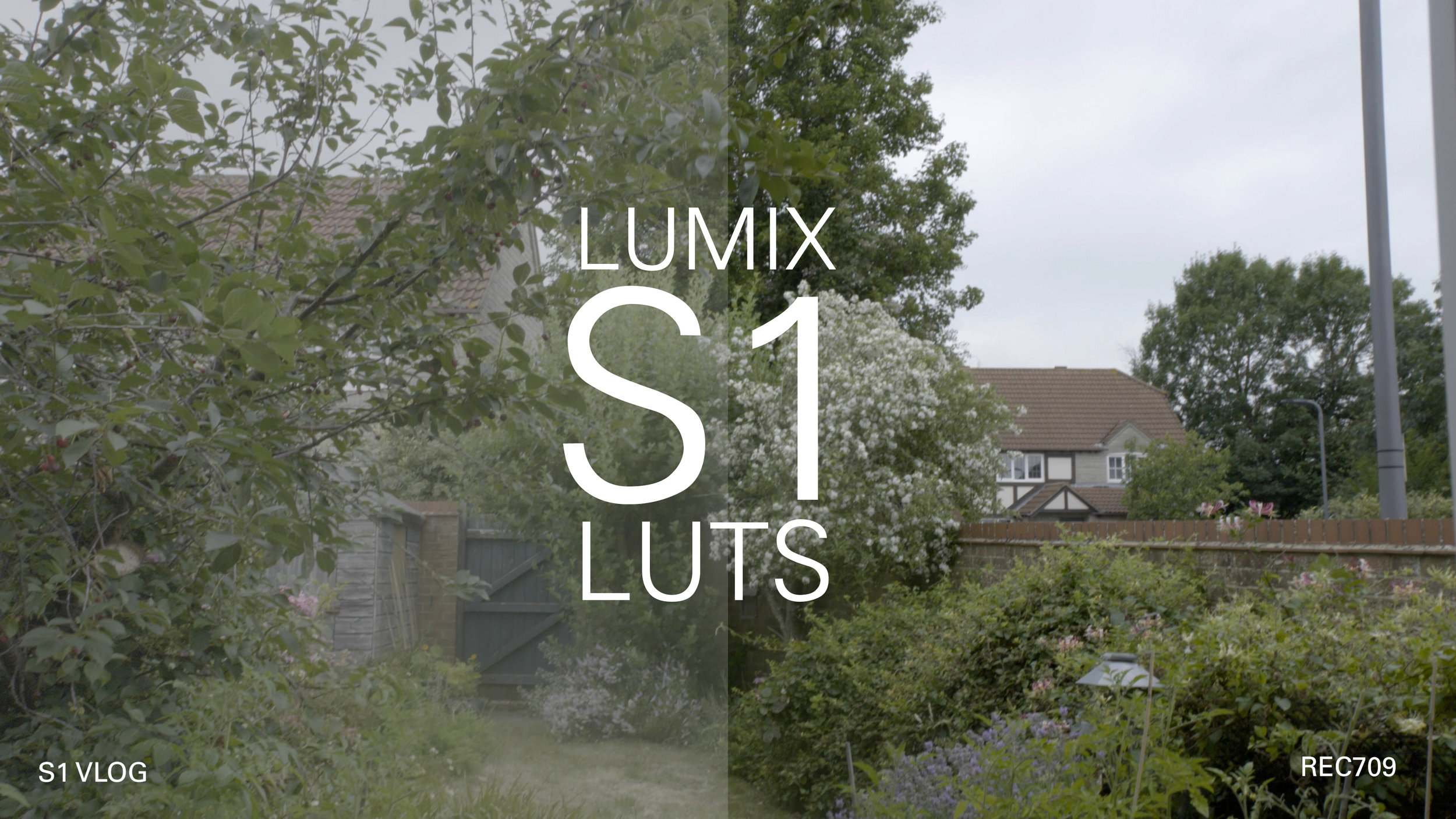
Easy to use LUTS, whether you need a Base 709 LUT or more stylised looks
I recommend to shoot LUTS in camera exposed just over 1 stop or 2 stops over for consistent looks
(2 stops over is great to minimise shadow noise when shooting anything with highlight and shadows)
(1 stop over is workable when just outside)
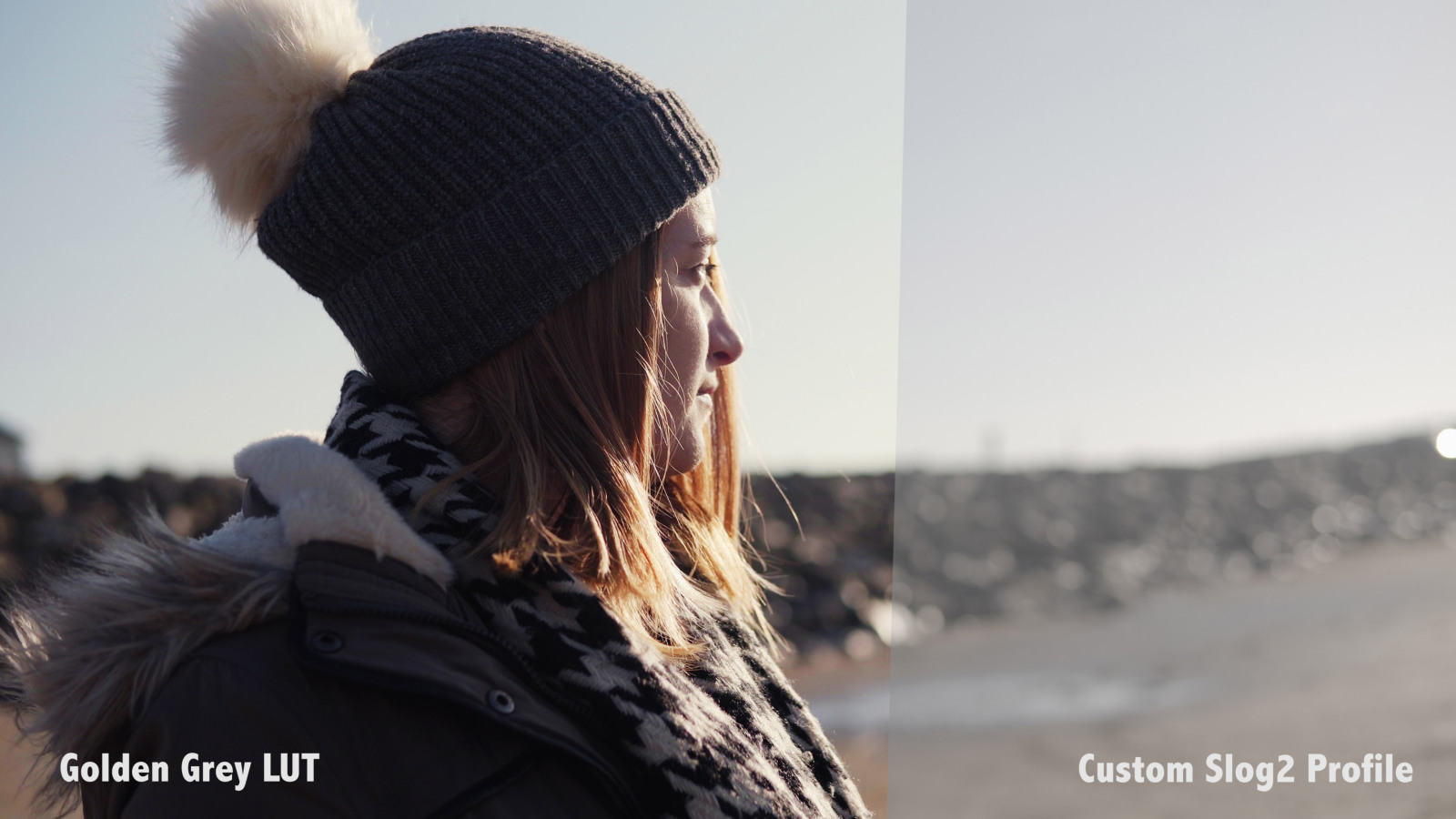
For those that Don’t want to purchase V-LOG I also have LUTS for shooting in HLG - Hybrid Log Gamma

LUTS are created to use with V-LOG, which also allows you to shoot with V-LOG and be able to use see the LUT while you shoot with the great LUT preview with the GH5
Or if you don't have/use V-LOG, I have also created some LUTS to use with my Custom Profile available in the pack.
LUTS work in Adobe Premiere Pro CC, Davinci Resolve and FCPX
This LUT pack is for those looking to create stylised looks or nice base profiles for a great starting point or finished look

These new Sony SLOG2 LUTS are made with more stylised looks, my style on the 'Orange/Teal' Look along with 'Day4Night' style LUTS along with more moody dark tones like Green & Brown
'I have also attached my Custom SLOG2 Profile Setting that I find works best'
NOTE: Don't forget to adjust your curves/saturation for more vibrant or less vibrant looks
I usually create LUTS for SLOG3 and 2 but since these required more information to hold up well, SLOG3 in 8bit created artifacts so I only created for SLOG2 as that gave me the best results
There are NO Base LUTS in this pack

This pack contains a good variety of LUTS based off the classic looks of Kodachrome & Ektachrome film
I also did a few ‘Bleach Bypass’ styles with them too
Works in Adobe Premiere Pro, FCPX & Davinci Resolve
(no Base 709 LUTS in the pack)
:To flick through the 'LUTS' in the Creative Control Panel in Adobe Premiere Pro - Go To 'Applications', 'Adobe Premiere Pro CC', Right click 'Show Package Contents', 'Contents', 'Lumetri', 'LUTs', 'Creative'
and then drag in the whole 'DaVinci Resolve' folder containing the LUTS
I love this pack, have fun!
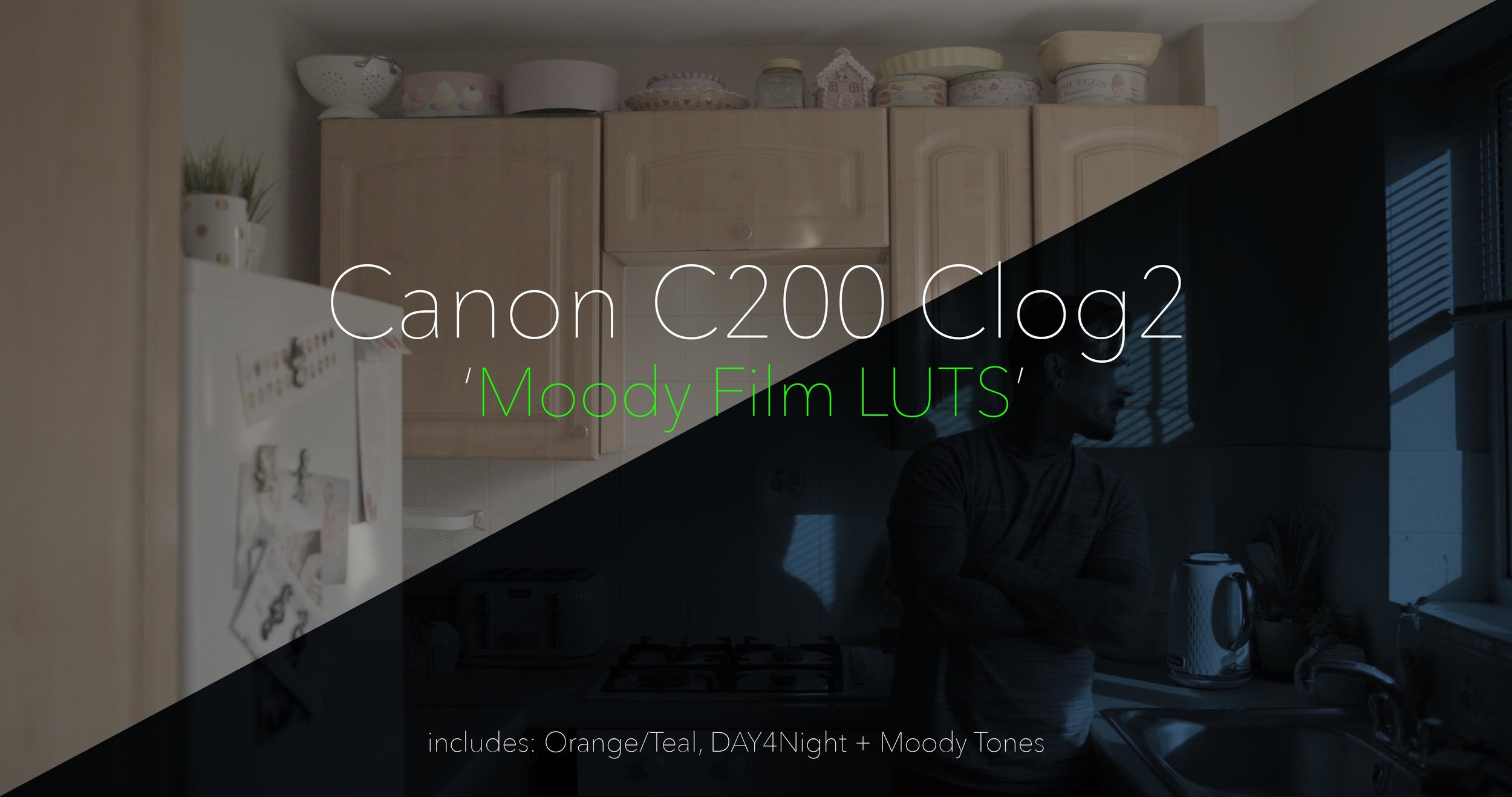
.Nice Base Profiles getting you to a finished look or great starting point
.More Stylised Looks for something different, including my usual Cream & Peach Fade LUTS
.Vintage Wedding style looks plus many more
Great for Canon C100, C300, 1DC and any cameras now shooting C-log
Music From Artistio:

Here are a set of LUTS for stylised looks for R3D files.
All footage was shot on the RED EPIC MX
LUTS work best when you set you RAW file to 'redlogfilm'
Besides stylised looks I also did a RC4 RG4 Look, as I know some RED shooters also shoot Prores now. So the ability to make sure you can acheieve the natrual RED Color with the ability to grade further is nice.
Just add curves if needed, to adjust to your exposure